
AI 时尚实用指南
How to Try On Clothes Online With AI
Trying on clothes online with AI is most useful when you treat it as a visual planning step. Start with a clear photo and one garment reference, compare a small set of looks, then use real product information for size, material and purchase decisions.
What product pages do better
A retailer can provide material composition, care instructions, available sizes, construction details, price, delivery and returns. Those facts come from the real item and should remain the foundation of a purchase decision.
Customer reviews may also reveal whether sizing runs small, fabric is transparent or a fastening is difficult. An AI preview has no direct knowledge of the garment in your cart unless that information is separately provided.
What virtual preview adds
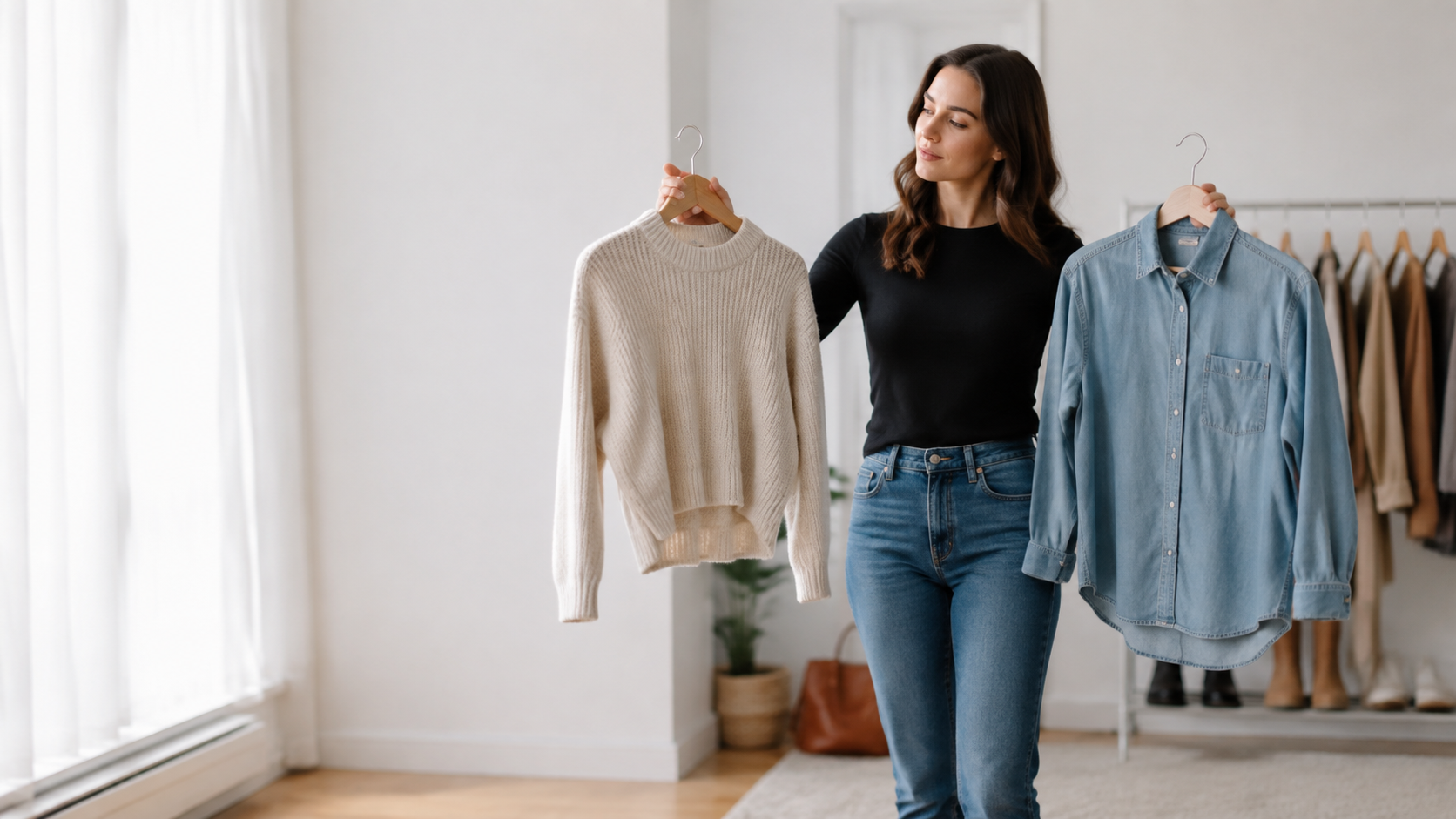
A preview can help compare broad visual directions on one familiar photo: long versus short sleeves, dark versus light color, relaxed versus formal silhouette. It can also make a mood board feel more personal and help communicate an idea to a friend or stylist.
This exploratory step is especially useful before searching a large catalogue because it can clarify what to look for.
Where the preview can mislead
Generated images can smooth wrinkles, change body contours, simplify prints or invent accessories. They may make a garment look more tailored than it is. A polished image therefore should not be interpreted as evidence of quality or fit.
Brand logos and exact decorative elements may be altered. Compare with the product page before sharing or purchasing.
A combined shopping workflow
First identify the occasion and practical needs. Next preview a few distinct silhouettes. Then search for real products that match the preferred direction, check measurements and reviews, and confirm the return policy.
If possible, use retailer-provided virtual try-on based on actual product data for the final step. A general creative tool is best used earlier in the journey.
Privacy is part of the tradeoff
Traditional browsing may collect behavioral and advertising data; virtual try-on additionally requires a personal image. Read the service’s privacy policy, understand where processing happens and avoid uploading sensitive photos.
Use a neutral image created specifically for this purpose, and remove local history when you no longer need the results.
Frequently asked questions
Do I need photo-editing experience?+
No. The workflow uses a person photo and a clothing reference, but better inputs lead to more useful previews.
How many looks should I compare?+
Start with three meaningfully different silhouettes or color directions. A smaller shortlist makes artifacts easier to spot.
What photo works best?+
Use one clear, well-lit photo of a consenting adult. Keep the relevant clothing area visible and avoid crossed arms, heavy filters and large obstructions.
Can a generated image confirm size or fit?+
No. A virtual preview can help compare visual direction, but it cannot measure size, support, comfort, fabric behavior or product quality.
Related guides
AI Virtual Try-On
How AI Virtual Try-On Works
Learn how an AI virtual try-on combines a person photo and clothing reference, what it can show, and where a real fitting still matters.
Photo Tips
Best Photos for AI Outfit Try-On
Use these practical photo guidelines to give an AI outfit try-on a clearer person image, fewer occlusions and a more useful fashion preview.