Choose a clear, front-facing full-body photo of one adult with good lighting and a natural pose.
KI-Glamour-Stil
Dein Foto*
Foto hochladen
Oder Bild hierher ziehen
Probieren Sie Beispielbilder aus
Outfit-Bild*
Outfit hochladen
Oder Bild hierher ziehen
Probieren Sie Beispielbilder aus
Your KI-Glamour-Stil AI Result
Your generated virtual try-on will appear here.
Ready to try a ki-glamour-stil style?
Upload your photo and an outfit image, then select Generate.
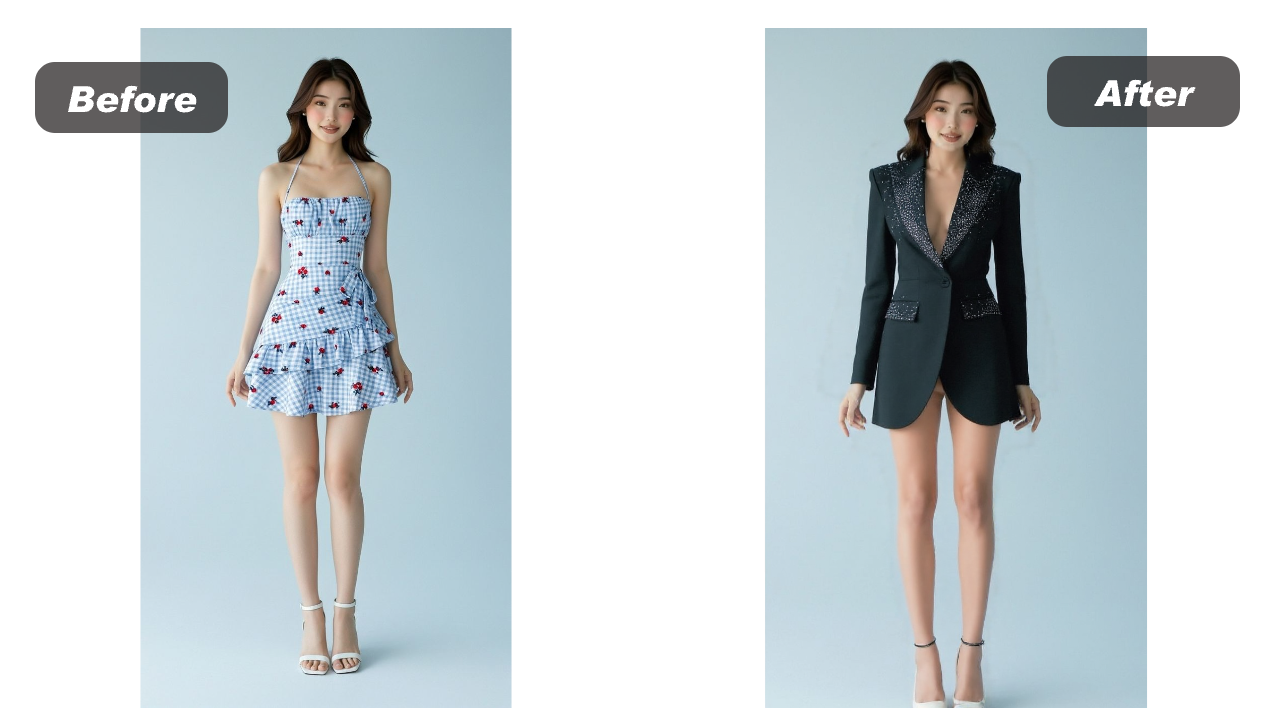
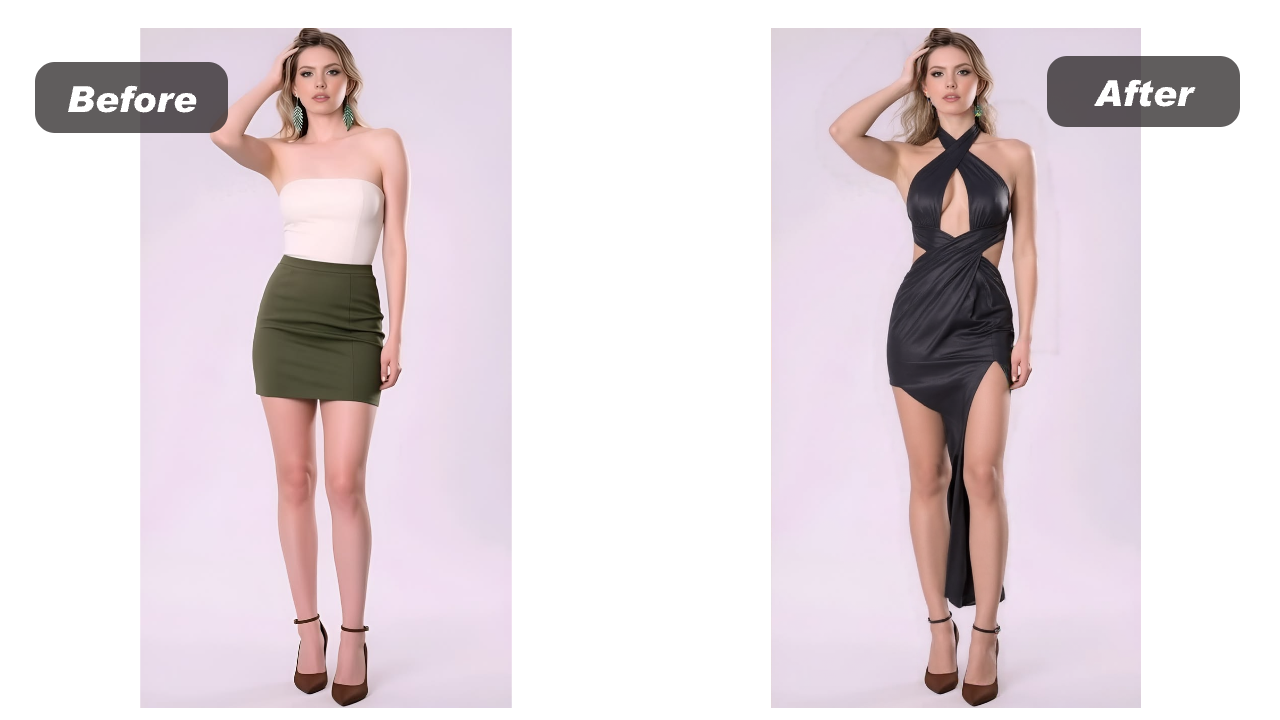
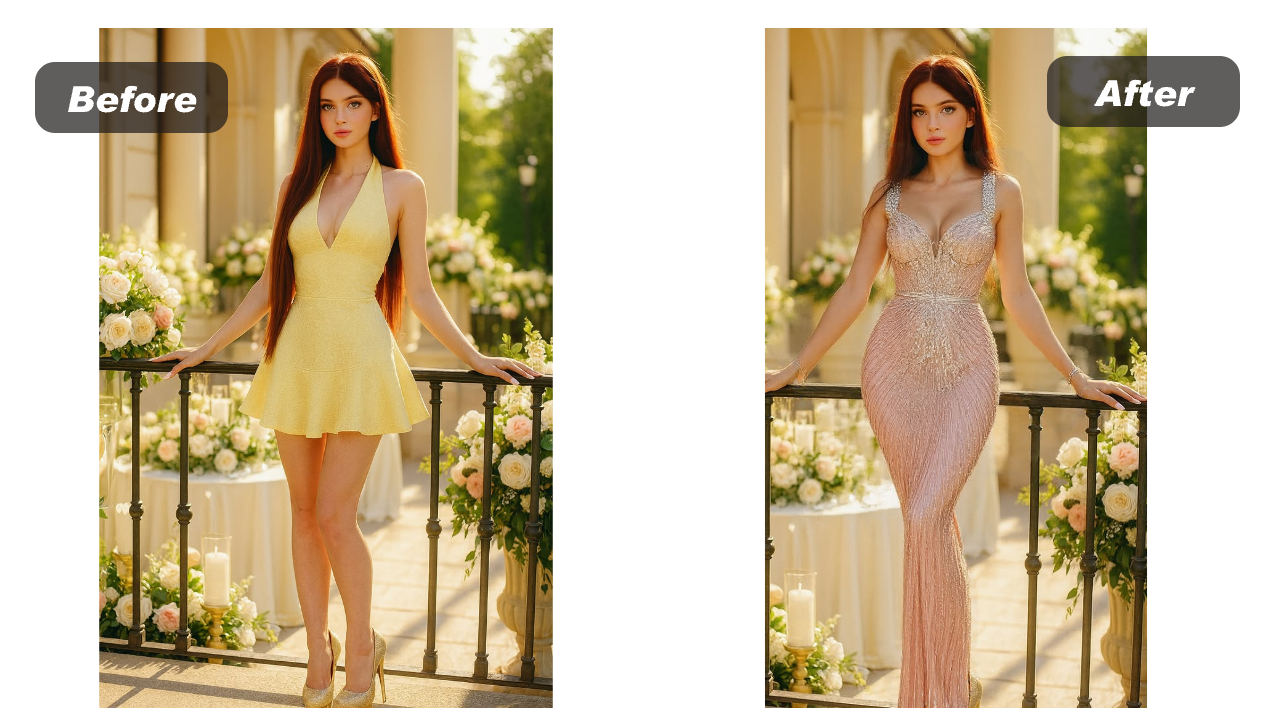
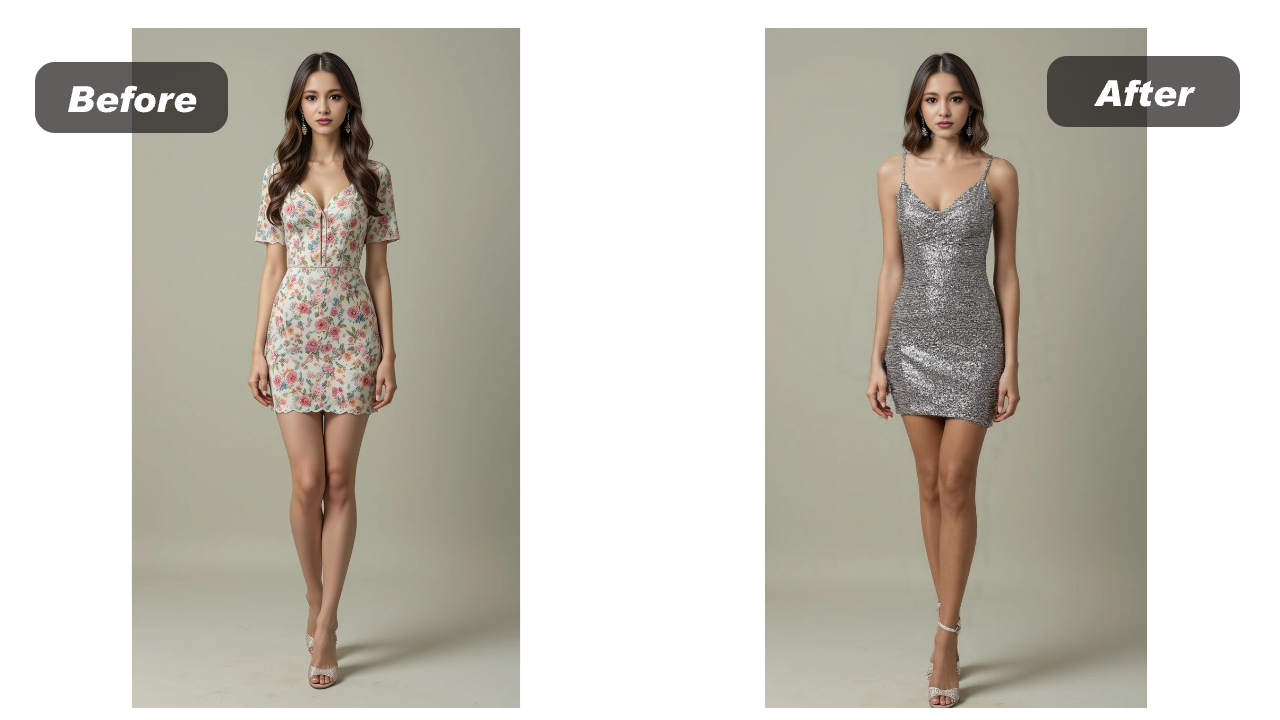
Weitere Outfit-Beispiele
Wähle einen anderen Stil und nutze ihn direkt im KI-Outfit-Editor.
How to Use the KI-Glamour-Stil Generator
Create a realistic KI-Glamour-Stil virtual try-on online in three simple steps. This free KI-Glamour-Stil generator requires no account, login or manual photo editing.
Upload one clear ki-glamour-stil reference on a simple background for a cleaner AI outfit transfer.
Generate your free ki-glamour-stil try-on, preview the result and download the finished image.
Why Use Our KI-Glamour-Stil Tool?
Explore ki-glamour-stil ideas with a free AI outfit generator built for realistic virtual try-on, identity preservation and private local history—no login required.
Try Different KI-Glamour-Stil Styles
Upload any clear clothing reference to explore how different ki-glamour-stil colors, fabrics, cuts and silhouettes look on your own photo. The virtual try-on makes it easy to compare multiple outfit ideas before choosing a favorite, without changing clothes or arranging a photo shoot.
Preserve Face and Identity
The AI focuses on changing the selected outfit while working to preserve your recognizable face, hairstyle, pose and natural body proportions. This helps every ki-glamour-stil result continue to look like the same person instead of a completely regenerated model.
Free Without Login
Use the online ki-glamour-stil generator for free without creating an account, entering payment details or learning professional photo-editing software. Simply upload two images and generate a virtual outfit preview directly in your browser with no login required.
Private Local Task History
Your recent ki-glamour-stil tasks are kept in private local browser history for convenient comparison. You can reopen generated looks, download the results you like or remove individual tasks whenever you want, giving you direct control over your saved previews.
Outfit-Kategorien
Editorial Glamour
Erstelle ein elegantes Modeporträt mit klarer Referenz. Klare Bildinformationen sind wichtiger als komplizierte Prompts. Das Ergebnis ist ein Konzept, kein Beweis für reale Passform.
Klares Erwachsenenfoto wählen
Eine Person von vorn, gleichmäßiges Licht und eine natürliche Pose verwenden.
Eine Kleidungsreferenz hinzufügen
Ein einzelnes Kleidungsstück von vorn auf einfachem Hintergrund wählen.
Ergebnis kritisch prüfen
Träger, Hände, Logos, Muster und Körperränder kontrollieren.
Klare Grenzen
KI kann Aussehen ändern, aber keine Passform oder Qualität messen.
Jede Kategorie hat eigene Bildhinweise, typische Fehler und Grenzen.
- ✓Klares Erwachsenenfoto wählen
- ✓Eine Kleidungsreferenz hinzufügen
- ✓Ergebnis kritisch prüfen
- ✓Einwilligung zuerst
- ✓Nur für Erwachsene · Nur Bilder mit Erlaubnis · Keine Größen- oder Passformgarantie
- ✓Dein Foto ist eine sensible Eingabe.
Keep exploring
Related guides
Practical reading for preparing your images, comparing styles and understanding what a virtual preview can show.
AI Virtual Try-On
How AI Virtual Try-On Works
Learn how an AI virtual try-on combines a person photo and clothing reference, what it can show, and where a real fitting still matters.
Photo Tips
Best Photos for AI Outfit Try-On
Use these practical photo guidelines to give an AI outfit try-on a clearer person image, fewer occlusions and a more useful fashion preview.
KI-Glamour-Stil Generator FAQ
Answers about creating your first ki-glamour-stil virtual try-on.