Choose a clear, front-facing full-body photo of one adult with good lighting and a natural pose.
AI 派對穿搭
人物照片*
上傳人物照片
或拖曳圖片至此
嘗試範例圖像
服裝圖片*
上傳服裝參考圖
或拖曳圖片至此
嘗試範例圖像
Your AI 派對穿搭 AI Result
Your generated virtual try-on will appear here.
Ready to try a ai 派對穿搭 style?
Upload your photo and an outfit image, then select Generate.
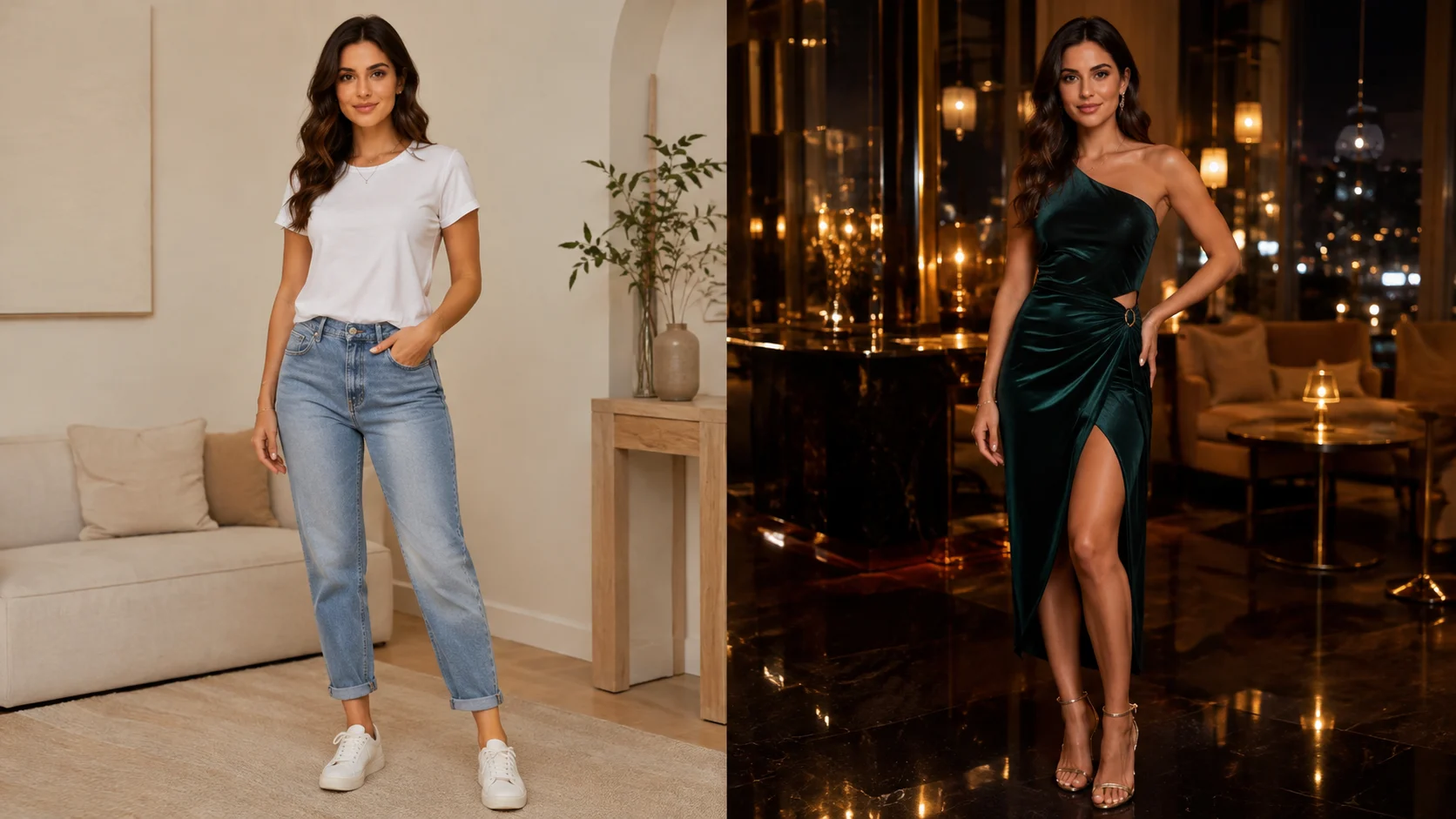
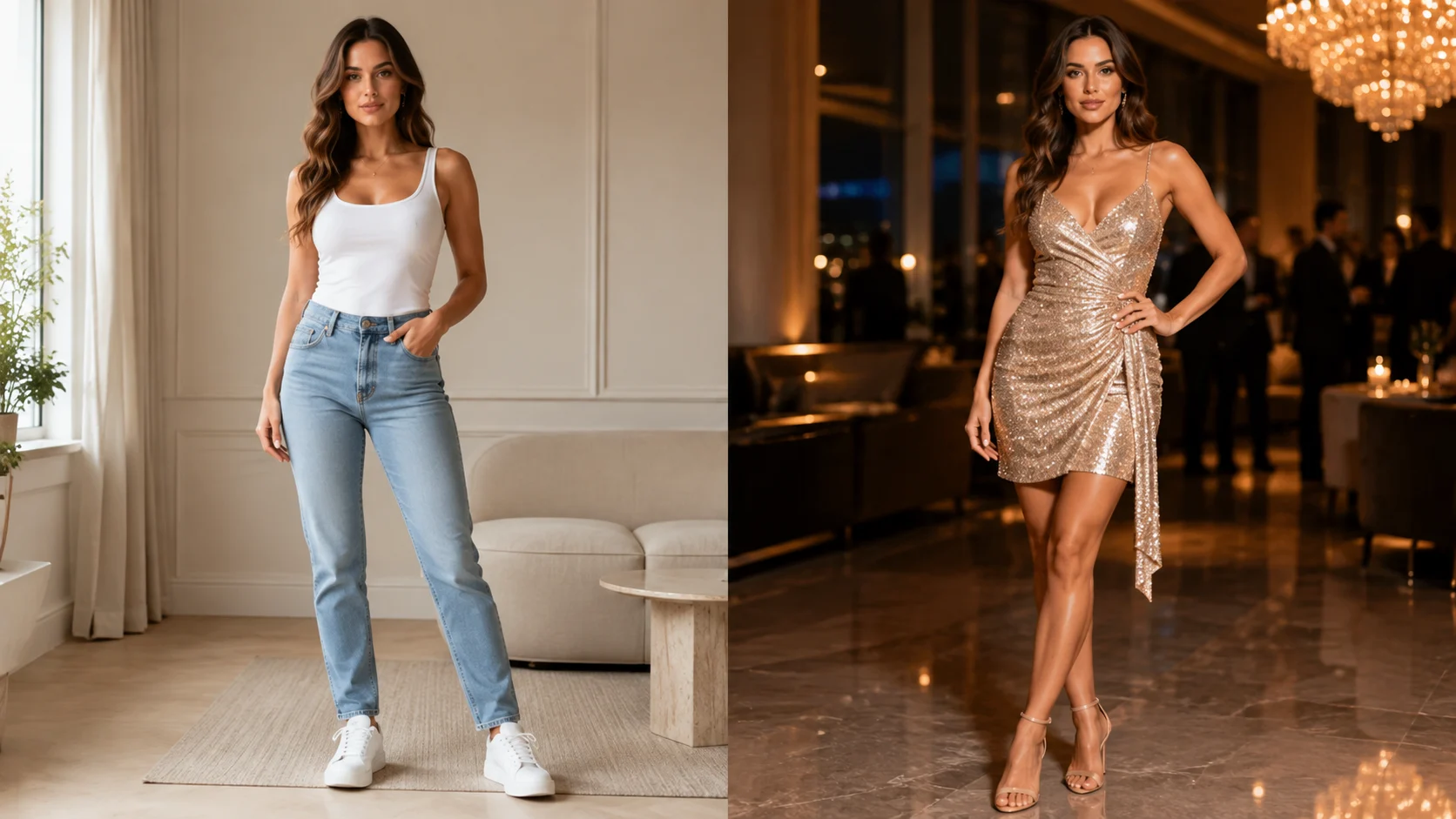
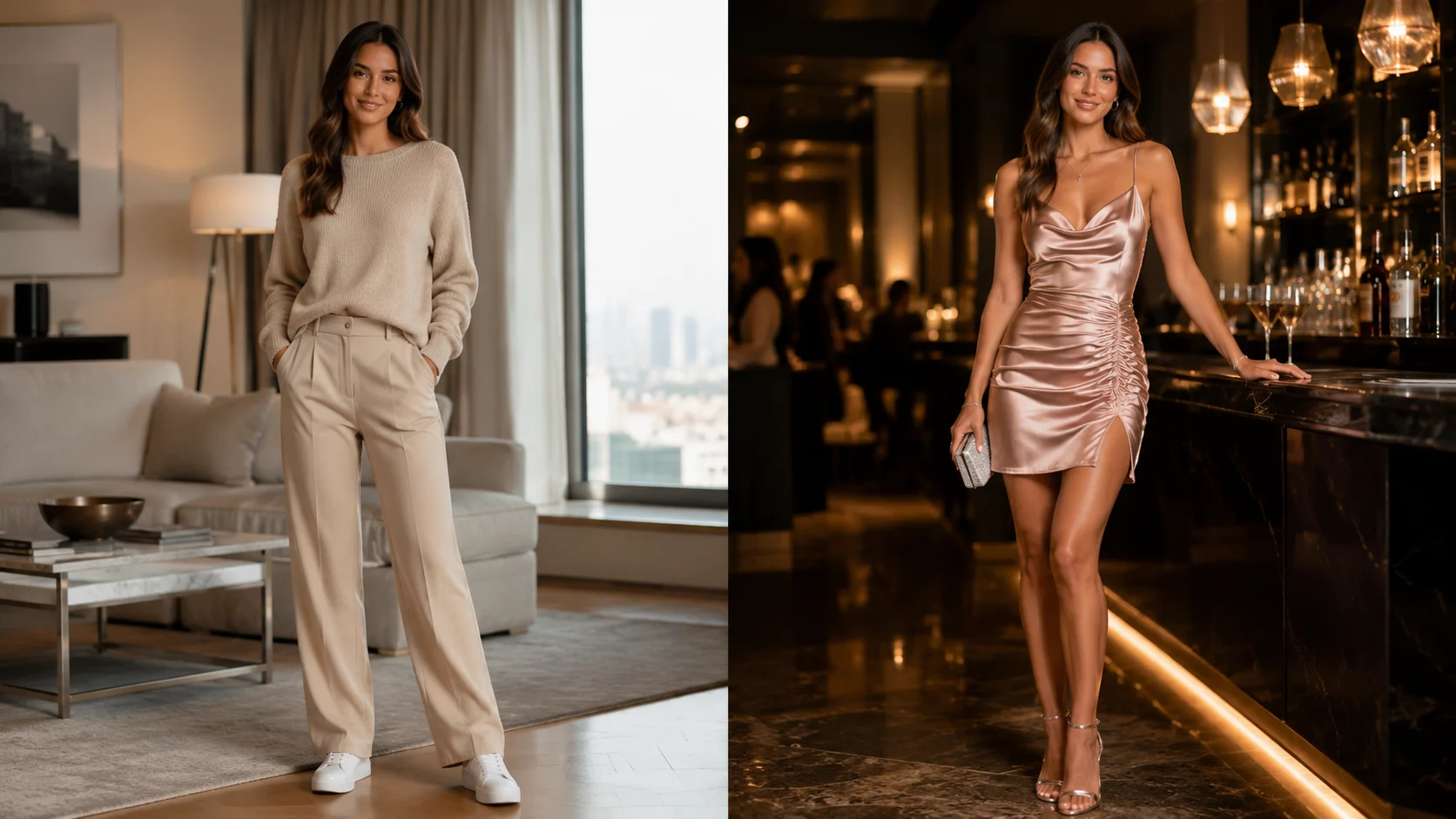
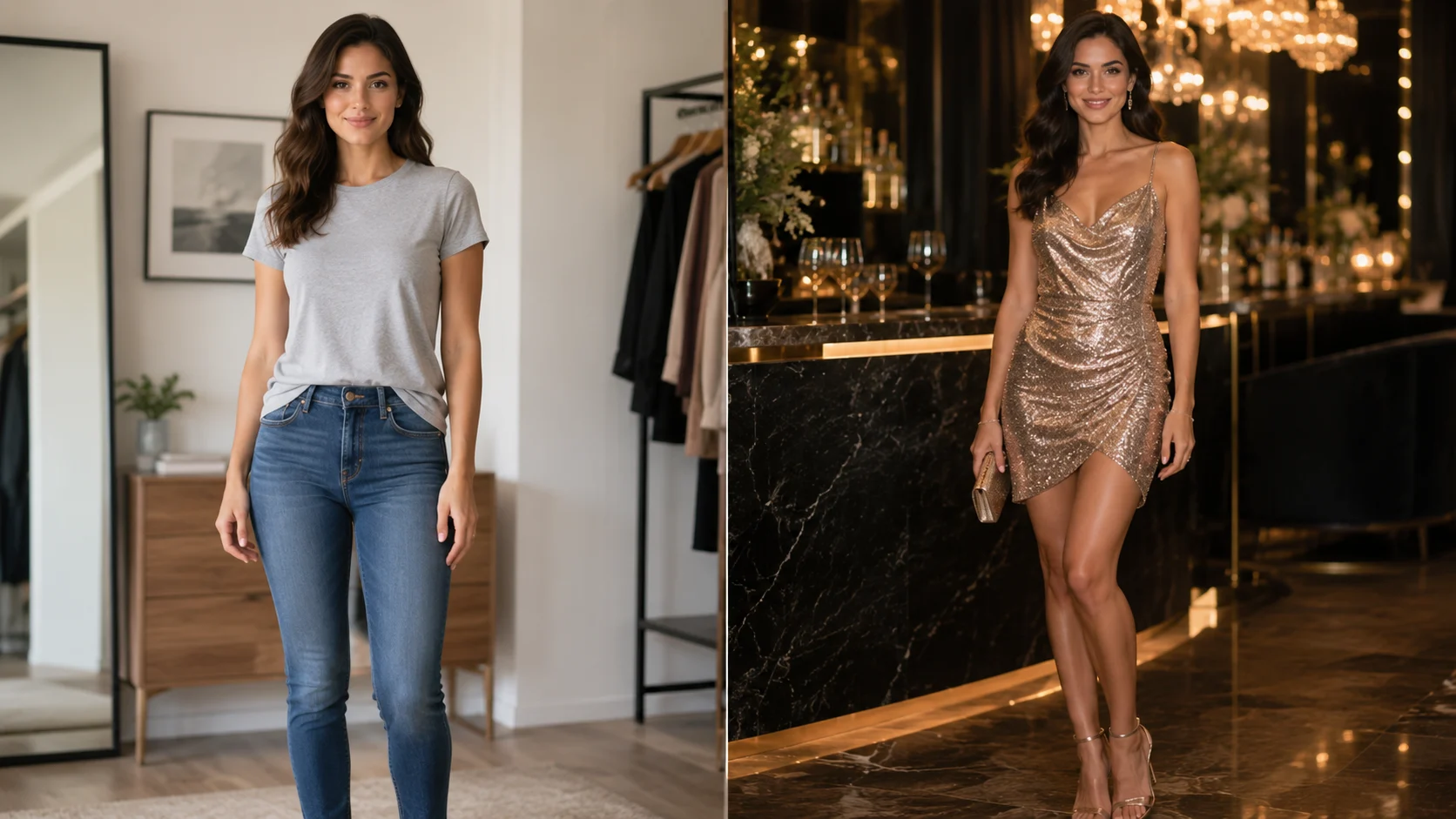
探索更多範例服裝
選擇喜歡的服裝款式,一鍵套用到上方 AI 換裝編輯器。
How to Use the AI 派對穿搭 Generator
Create a realistic AI 派對穿搭 virtual try-on online in three simple steps. This free AI 派對穿搭 generator requires no account, login or manual photo editing.
Upload one clear ai 派對穿搭 reference on a simple background for a cleaner AI outfit transfer.
Generate your free ai 派對穿搭 try-on, preview the result and download the finished image.
Why Use Our AI 派對穿搭 Tool?
Explore ai 派對穿搭 ideas with a free AI outfit generator built for realistic virtual try-on, identity preservation and private local history—no login required.
Try Different AI 派對穿搭 Styles
Upload any clear clothing reference to explore how different ai 派對穿搭 colors, fabrics, cuts and silhouettes look on your own photo. The virtual try-on makes it easy to compare multiple outfit ideas before choosing a favorite, without changing clothes or arranging a photo shoot.
Preserve Face and Identity
The AI focuses on changing the selected outfit while working to preserve your recognizable face, hairstyle, pose and natural body proportions. This helps every ai 派對穿搭 result continue to look like the same person instead of a completely regenerated model.
Free Without Login
Use the online ai 派對穿搭 generator for free without creating an account, entering payment details or learning professional photo-editing software. Simply upload two images and generate a virtual outfit preview directly in your browser with no login required.
Private Local Task History
Your recent ai 派對穿搭 tasks are kept in private local browser history for convenient comparison. You can reopen generated looks, download the results you like or remove individual tasks whenever you want, giving you direct control over your saved previews.
穿搭類別
派對穿搭
探索雞尾酒會、慶祝活動及不同場合的造型。 模型需要清晰的視覺資訊。好的圖片比複雜提示詞更重要,結果是概念預覽,不是真實合身證明。
上傳清晰成年人物照片
使用單人正面照片、均勻光線和自然站姿,避免手臂與頭髮遮擋服裝區域。
加入一張服裝參考圖
選擇正面清楚展示的單件服裝,簡潔背景與完整邊緣能減少模型猜測。
仔細檢查生成結果
檢查肩帶、手部、標誌、圖案及身體邊緣;異常時改用更清晰原圖。
明確說明限制
AI 無法測量尺寸、布料表現、舒適度或品質。
不同類別有各自的參考圖要求、常見失敗點與實際限制。
- ✓上傳清晰成年人物照片
- ✓加入一張服裝參考圖
- ✓仔細檢查生成結果
- ✓同意優先
- ✓僅限成年人 · 僅上傳已獲許可的圖片 · AI 預覽不代表真實尺寸與合身度
- ✓人物照片屬於敏感輸入。
Keep exploring
Related guides
Practical reading for preparing your images, comparing styles and understanding what a virtual preview can show.
AI Virtual Try-On
How AI Virtual Try-On Works
Learn how an AI virtual try-on combines a person photo and clothing reference, what it can show, and where a real fitting still matters.
AI Virtual Try-On
How to Try On Clothes Online With AI
A practical workflow for using an AI outfit preview online: choose a clear photo, add a clothing reference, compare the result and verify the real product.
Dress & Party
How to Try On Dresses Online
Use an AI dress preview to compare casual, cocktail and formal dress directions online, then verify sizing, fabric and occasion details on the real product.
AI 派對穿搭 Generator FAQ
Answers about creating your first ai 派對穿搭 virtual try-on.